API automation is clean. You call an endpoint, pass structured data, get structured data back. Real work is often messier. It lives inside dashboards, admin panels, legacy tools, browser tabs, spreadsheets, and internal apps that were never designed for automation. That is why computer-use agents are worth watching.
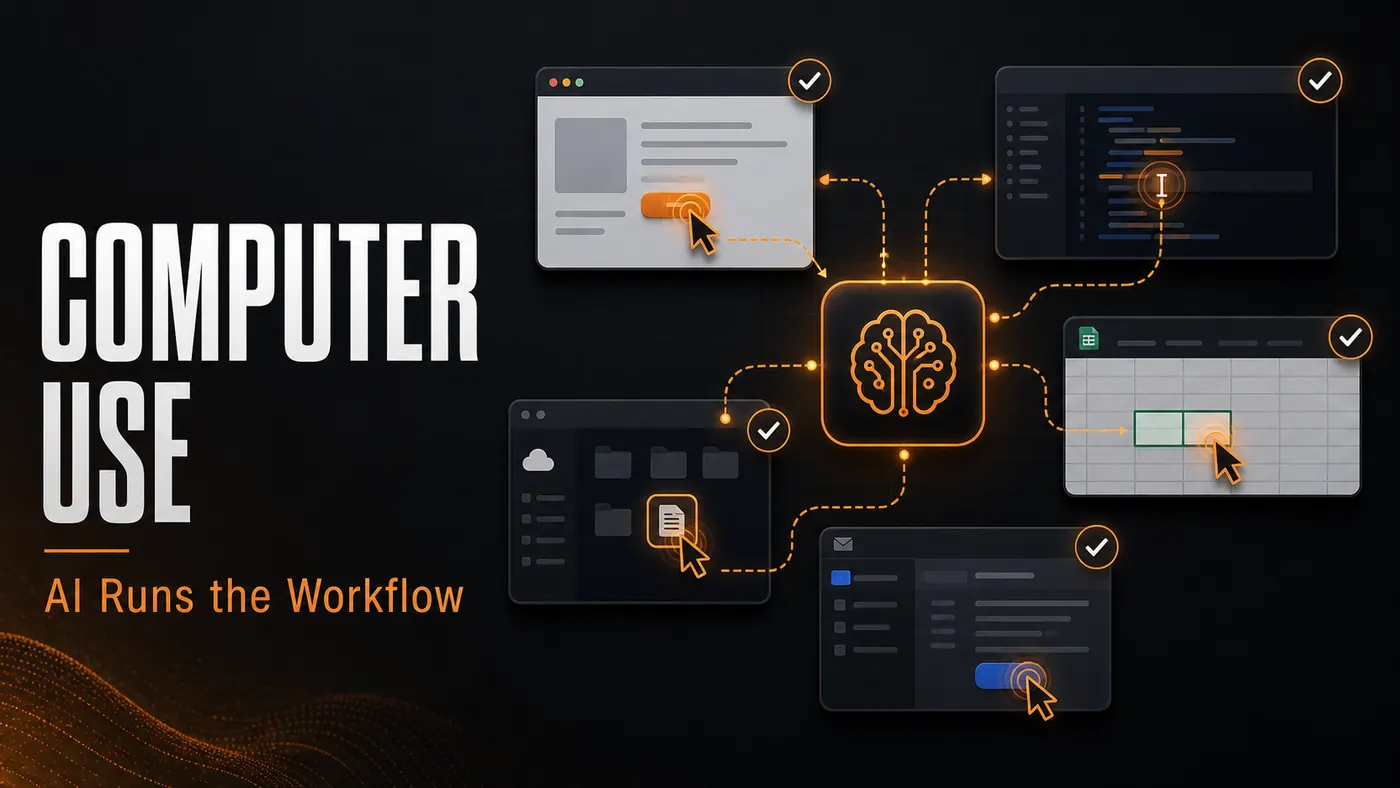
The idea is simple: instead of only asking AI to write text or call APIs, let it operate a computer interface. It can see the screen, click buttons, fill forms, copy data, and move between apps. It is closer to how a human assistant works, except the reliability bar has to be much higher before you trust it with important workflows.
Where this is useful
- One-off admin tasks where no API exists.
- Back-office workflows across several web apps.
- QA checks where the agent needs to inspect UI states.
- Data entry tasks that are too small to justify a custom integration.
I do not see computer use replacing API integrations. APIs are still more reliable when available. But computer use can fill the gap between manual work and full integration. It is the bridge for tools that are locked behind a UI or workflows that change too often to justify a custom connector.
The reliability problem
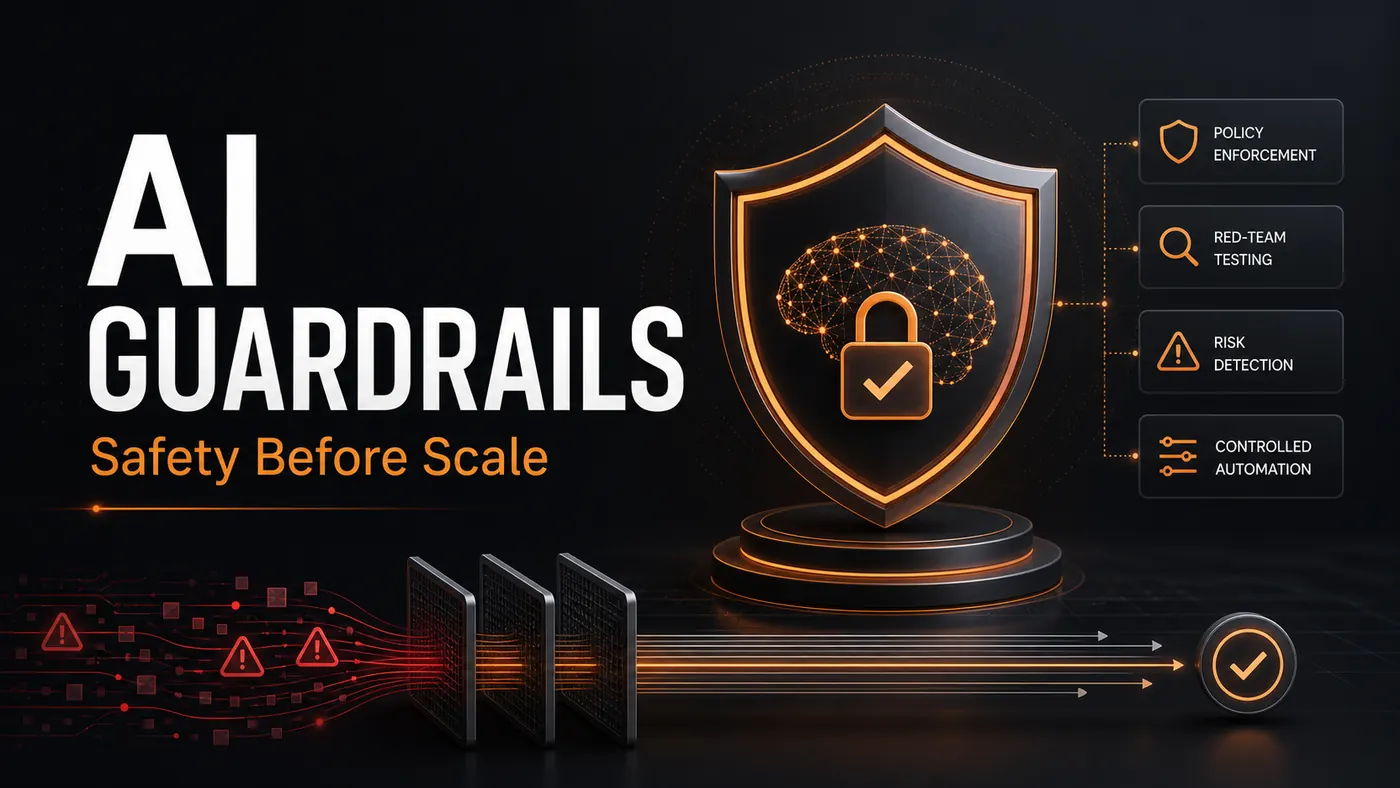
The risk is obvious: screens change, buttons move, popups appear, sessions expire, and the agent can misunderstand what it sees. So the design has to include checkpoints. The agent should know when to stop, when to ask for confirmation, and how to report what it did. For sensitive steps, it should prepare the action and let a human approve it.
My current take: use computer-use agents for assisted automation first, then move stable repeated parts into APIs once the workflow proves its value.